Sendio Opt-Inbox
Verification process
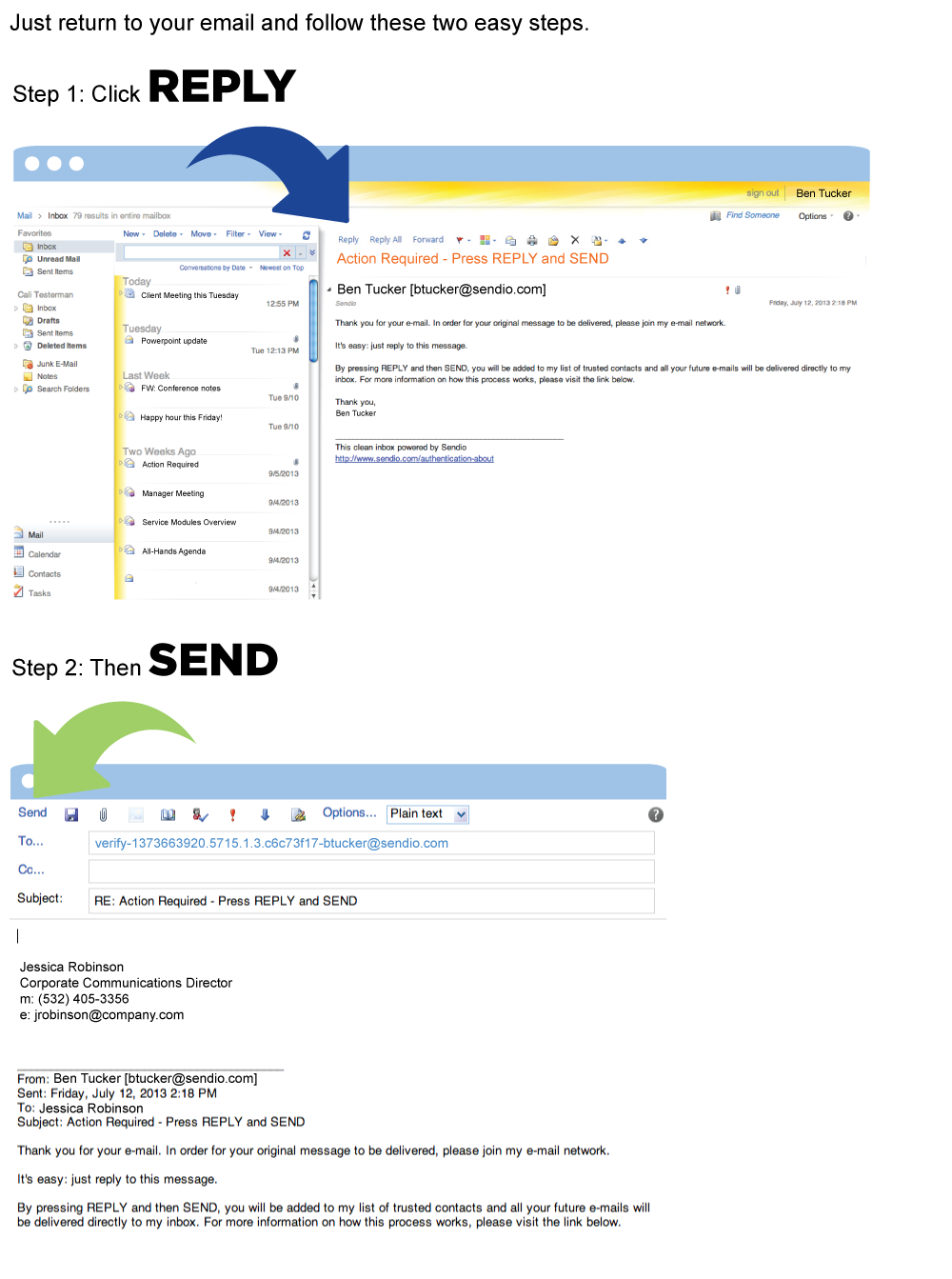
Sendio’s Opt-Inbox™ is a sender verification system that allows business users to create their own safe email communities in order to eliminate spam, bulk and malicious mail. It requires the sender to reply to a Sender Address Verification message in order to be accepted into the email community. This allows the receiver to eradicate automated mail such as spam and bulk mail, and ensure that important messages can be seen clearly. Once accepted into the trusted community, all subsequent emails will be delivered unimpeded.
There is no need to include text in the body of the message. However, it is important that you do not alter the unique reply-to address that has been designated in the ‘recipient’ field. After completing this verification step you will be added to the recipient’s list of trusted contacts and community and all your future emails will be delivered directly to their inbox.
Inbox Security. Inbox Continuity. Inbox Efficiency.
Sendio allows organizations to create their own unique self-managing email communities automatically, which leads to the best in email security and efficiency.